
Check if your state supports digital IDs
Before you attempt to use your phone at security, confirm that your state issues a compatible digital credential. The TSA Digital ID program is not nationwide; it operates only in participating states with specific app integrations. If your state is not on the list, your mobile driver’s license will not be accepted at TSA checkpoints, and you must bring a physical ID.
Verify your eligibility on the official TSA website. The agency maintains a current list of participating states and the eligible digital ID apps for each. Look for your state in the directory and note which mobile credential provider is approved.
If your state participates, download the approved app and ensure your digital ID is active. You will need to link your physical license to the app before traveling. Without this setup, you cannot use the digital credential for screening. If you are traveling from a non-participating state, rely on your physical REAL ID or passport.
For travelers without any form of ID, the TSA offers a secondary verification process. Starting February 1, 2026, domestic travelers without a REAL ID or other acceptable ID must complete the TSA ConfirmID form online before their flight. This process requires a $45 fee and the presentation of a receipt alongside another form of government-issued identification at the checkpoint. Always check the latest requirements on the TSA website, as program details can change.
Prepare your mobile driver's license
To use a mobile driver's license (mDL) at TSA checkpoints, you must first verify that your state participates in the program and that your device is configured correctly. The TSA’s digital ID program allows travelers from participating states to use mobile IDs at select checkpoints, but this functionality is not automatic. It requires specific software and a verified identity status within the app.

Before downloading any app, confirm your state of issue is part of the TSA pilot. The list of participating states changes as more jurisdictions join the program. Check the TSA’s official list of participating states to ensure your ID is eligible for digital scanning before you arrive at the airport.
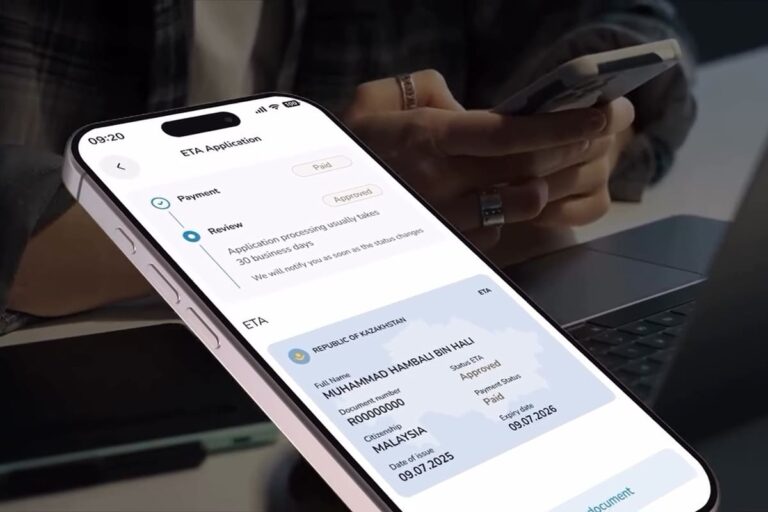
Install the official mobile driver’s license app provided by your state’s DMV or equivalent agency. Third-party digital wallet apps may not support the specific cryptographic protocols required for TSA verification. Ensure the app is updated to the latest version to maintain compatibility with checkpoint scanners.
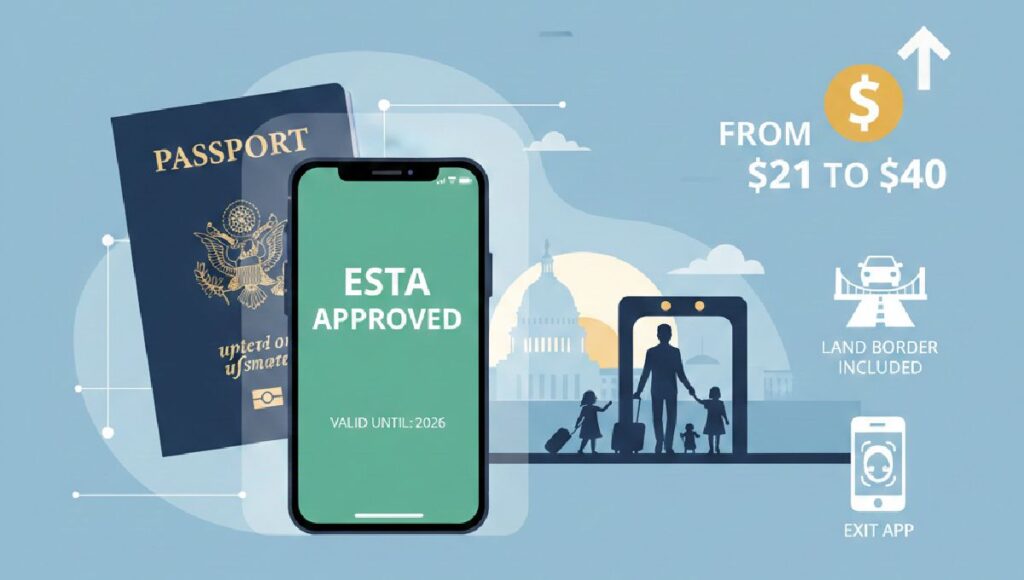
Open the app and follow the prompts to verify your identity. This typically involves linking your physical ID, taking a selfie, and sometimes providing biometric data. This process creates a secure, encrypted digital version of your license. Without this step, the app will not generate a scannable QR code or NFC signal at the checkpoint.
Use the app’s internal test feature, if available, to ensure the digital ID renders correctly. Check that the barcode or NFC tag is active. If the app allows, take a screenshot of the verification screen to have a backup reference, though the live digital ID is required for scanning.
Once these steps are complete, your mobile driver's license is ready for use at participating TSA checkpoints. Keep your physical ID as a backup, as not all checkpoints may accept digital IDs, and technical glitches can occur.
plan around the TSA checkpoint process
Using a digital ID at the checkpoint is a straightforward sequence: present the credential, wait for verification, and proceed. This method works best when your state participates and your device is ready.
Handle non-compliant ID scenarios
Starting February 1, 2026, the Transportation Security Administration will enforce a new $45 fee for domestic travelers who arrive at the checkpoint without a REAL ID-compliant license or other acceptable form of identification. This policy applies to passengers 18 and older who cannot present a valid digital ID or standard compliant card.
The fee is not a penalty but a cost for an enhanced identity verification process. Travelers must complete the TSA ConfirmID online form prior to arriving at the airport. This step helps verify your identity through alternative documentation before you reach the security line, potentially reducing wait times and confusion at the checkpoint.
Steps to avoid delays and fees
Follow this sequence to ensure you can fly without a REAL ID or digital ID without unexpected costs or denials.
- Complete the TSA ConfirmID form online. Access the form on the TSA website before your flight. Provide the required personal details and supporting documentation as requested.
- Pay the $45 fee. The fee is associated with your identity verification request. Keep a digital or printed copy of the payment receipt.
- Bring a government-issued ID. Even without a REAL ID, you must present a valid government-issued ID (such as a passport or expired driver’s license) to TSA officers at the checkpoint.
- Present your receipt and ID. Show both the payment receipt and your ID to the TSA officer. They will use this to complete the enhanced verification process.
Comparison: With vs. Without REAL ID
| Feature | With REAL ID / Digital ID | Without REAL ID (Post-Feb 1, 2026) |
|---|---|---|
| Checkpoint Entry | Standard verification | Enhanced verification required |
| Fee | None | $45 TSA ConfirmID fee |
| Pre-Flight Requirement | None | Complete TSA ConfirmID form online |
| Accepted Documents | REAL ID, Passport, Military ID | Passport, Military ID, plus ConfirmID receipt |
Checklist for travelers without a REAL ID
-
Complete the TSA ConfirmID form online at least 24 hours before your flight
-
Pay the $45 verification fee and save the receipt
-
Gather a valid government-issued ID (passport or other non-REAL ID card)
-
Arrive at the airport with both the receipt and your ID ready for inspection
Failing to complete these steps may result in being denied entry to the checkpoint. The TSA emphasizes that this process is designed to accommodate travelers who lack compliant identification, but it requires advance preparation.
Common questions about digital IDs
Travelers often worry about security, airport acceptance, and backup options when using a digital ID. These answers address the most frequent concerns based on current TSA rules and official guidance.
No comments yet. Be the first to share your thoughts!