
Start with a clear trip brief
Your AI trip planner is only as good as the instructions you give it. If you ask for a "fun week in Italy," you will get a generic list of tourist traps. If you ask for a "10-day slow travel itinerary in Puglia focused on olive harvests and budget-friendly agriturismos," you get a plan you can actually book.
Treat the AI like a junior travel agent who knows every hotel in the world but has never been anywhere. You need to provide the guardrails. A solid trip brief includes three non-negotiable constraints: dates, budget, and interests.
Lock in your dates
Ambiguity kills itineraries. Specify whether your travel window is flexible or fixed. If you have hard deadlines, state them clearly. "Arriving June 15, leaving June 25" is better than "sometime in June." AI models often hallucinate availability, so precise dates help the tool filter out impossible options early.
Define your budget range
Money talks. Tell the AI if you are splurging on luxury or hunting for hostels. A range like "$150–$200 per night" or "under $50 a day" allows the model to suggest realistic accommodations and activities. Without this, you might get a list of five-star resorts that blow your budget or dorm beds that don't match your comfort level.
Specify your interests
Generic itineraries fail because they try to please everyone. Narrow your focus. Are you looking for hiking trails, food tours, or museum deep-dives? Mentioning specific hobbies helps the AI curate experiences that match your pace. For example, if you love photography, ask for "golden hour spots" rather than just "sights to see."
Once you have these elements, paste them into your AI tool of choice. The more specific your prompt, the less time you spend editing the output. This initial effort pays off by giving you a structured draft that requires minimal tweaking.
Draft the itinerary in layers
Building a day-by-day schedule with AI is less about writing a novel and more about iterative refinement. The first output is rarely perfect; it is a raw draft that needs your specific travel context to become useful. Treat the AI as a junior planner who needs clear direction and feedback to narrow down options.

Start by feeding the AI your non-negotiables: destination, dates, budget, and travel style. Be specific about pacing. Instead of asking for "Paris," ask for "a 3-day Paris itinerary focused on museums with one rest day." This initial prompt sets the foundation for the entire schedule.

Let the AI produce a full day-by-day breakdown. Do not edit this immediately. Review it for major gaps, such as unrealistic travel times between locations or missing key attractions. This draft serves as your baseline to identify what is working and what needs adjustment.

Iterate by asking for changes. If a day feels too packed, ask the AI to "remove the morning museum and suggest a nearby café." If you need local recommendations, ask for "three authentic lunch spots near the Louvre." This back-and-forth conversation is where the itinerary becomes tailored to your preferences.
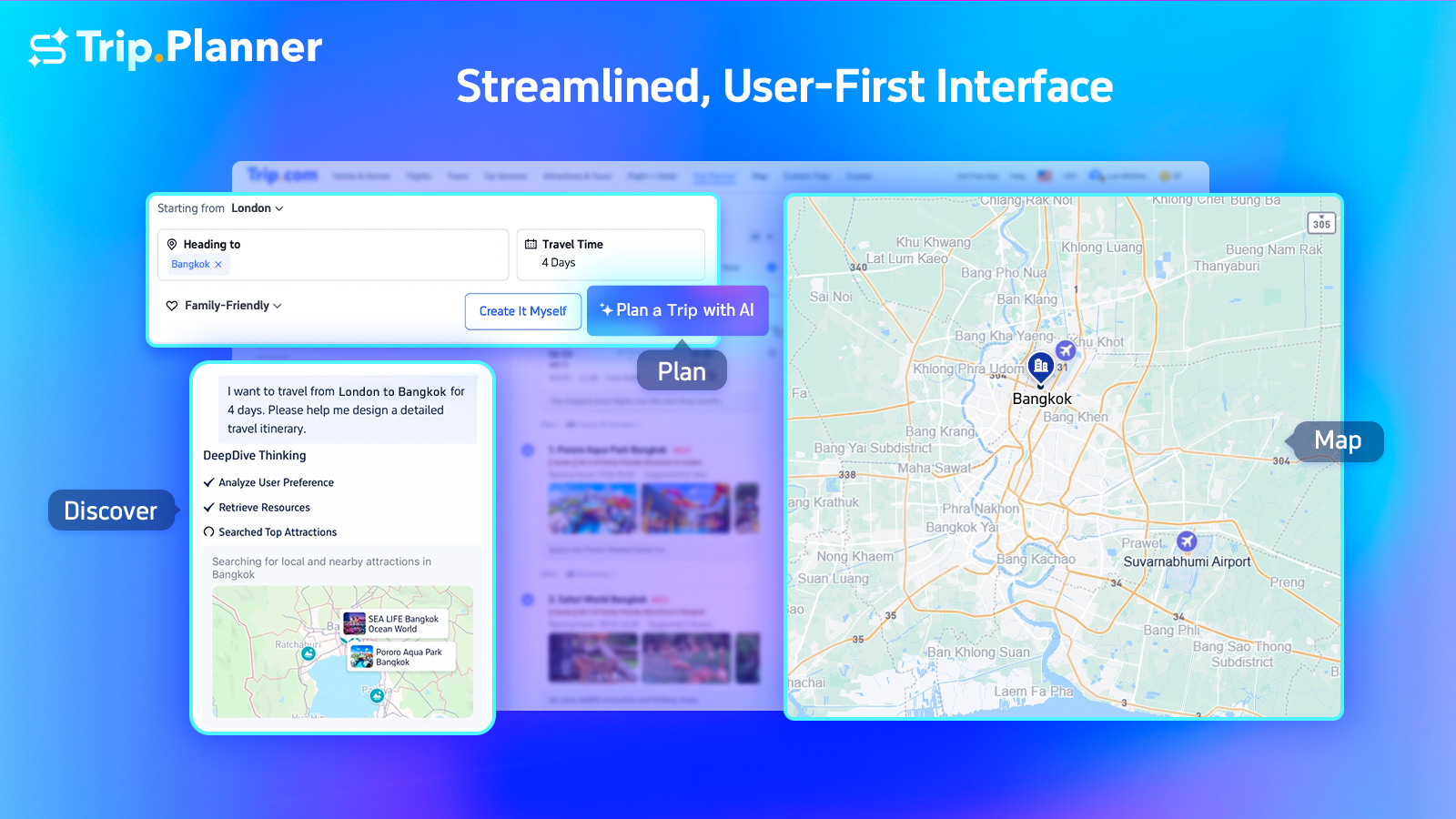
Once the schedule meets your needs, export it to a usable format. Most AI planners allow you to save the itinerary as a PDF, CSV, or shareable link. Double-check that all reservation links and addresses are accurate before you leave for your trip.
This layered approach prevents overwhelm and ensures your final plan is realistic. By treating the AI's output as a starting point rather than a final answer, you save time and create a trip that actually fits your rhythm.
Compare top AI planners for 2026
Choosing the right AI travel planner depends on how much control you want over the process and whether you need the tool to book the trip for you. Some platforms act as pure itinerary generators, while others integrate directly with booking engines to finalize flights and hotels. Others offer deep customization for complex, multi-city adventures.
The table below compares four leading options based on pricing models, booking capabilities, and the depth of itinerary customization they offer. This helps you quickly identify which tool aligns with your planning style.
| Tool | Pricing | Booking Capability | Customization Depth |
|---|---|---|---|
| Layla | Free tier available | Full (flights, hotels, activities) | High |
| Mindtrip | Free tier available | Partial (activities, dining) | Medium |
| MonkeyTravel | Free tier available | None (itinerary only) | High |
| Stardrift | Subscription model | None (itinerary only) | Very High |
Layla stands out for travelers who want a hands-off approach. It functions as a full-service agent, creating detailed itineraries and handling the actual bookings for flights, hotels, and activities. This is ideal if you want a complete plan without managing multiple tabs or booking engines.
Mindtrip offers a balanced approach, focusing on personalized recommendations for activities and dining while providing maps and reviews. It is less focused on hard bookings and more on curating experiences based on your specific preferences, making it a good middle ground for semi-autonomous planners.
MonkeyTravel and Stardrift are best for users who prefer to build their own itinerary structure. MonkeyTravel provides robust free tools for creating detailed daily plans, while Stardrift, often used by professionals, offers advanced features for complex, multi-city routing. These tools require more user input but offer greater flexibility for unique travel styles.


As an Amazon Associate, we may earn from qualifying purchases.
Fix common AI planning errors
AI travel planners are fast, but they aren't infallible. The biggest risk isn't that the tool fails entirely, but that it produces a plan that looks perfect on screen but falls apart in reality. You need to audit the output before you book anything.
Check transit times against reality
AI often calculates travel times based on average speeds or ideal traffic conditions. It rarely accounts for rush hour, seasonal construction, or the time it takes to walk from a train station to a specific hotel door. If the plan says you have 30 minutes between a museum and a restaurant, that timeline is likely optimistic. Verify the actual transit duration using a live map tool or local transit app. Add a 20% buffer to every leg of your journey to prevent a domino effect of missed reservations.
Verify attraction status and hours
A common pitfall is booking visits to attractions that are closed for renovation, seasonal maintenance, or private events. AI models trained on older data may list hours that changed months ago. Always cross-reference the AI’s suggested itinerary with the official website of the venue. Look for "closed on Mondays" or "last entry at 4 PM" disclaimers that an AI might overlook in its summary.
Stress-test the budget
AI estimates for food and activities are often averages, not actual prices. A "$15 lunch" estimate might refer to a fast-food chain in one country but be completely unrealistic for a tourist district in another. Additionally, AI rarely includes hidden costs like city taxes, booking fees, or currency conversion margins. Review the total daily spend against current exchange rates and local price guides. If the AI suggests a $500 daily budget for Paris, but your research shows €50 for a simple meal, the estimate is off.
The verification checklist
Before finalizing your 2026 trip, run this quick check:
-
Confirm all transit legs with a live map app.
-
Check official websites for current opening hours.
-
Compare AI budget estimates with recent travel blogs or forums.
-
Print or save offline copies of all reservations.
Finalize bookings and exports
You have built the itinerary. Now you need to lock it in and make sure it works when you are offline. This step turns a digital draft into a usable travel plan. Use an AI travel planner to handle the final details, ensuring every booking is confirmed and accessible from your phone.
1. Verify every booking detail
Log into each provider’s website or app to confirm your reservations. Check flight times, hotel addresses, and activity dates. AI tools can cross-reference these details, but manual verification catches errors that algorithms might miss. Ensure your contact information is current so providers can reach you if plans change.
2. Export to a mobile-friendly format
Most AI planners offer an export feature. Save your itinerary as a PDF or a link that opens easily in your mobile browser. Avoid relying on the web app alone; if you lose internet access, you need a local copy. Some tools allow you to sync with your phone’s calendar, which is useful for tracking departure times and check-in windows.
3. Set up offline access
Download maps and confirmation emails for offline use. Most travel apps let you save specific areas or entire itineraries for offline viewing. This is critical for remote destinations or areas with poor cellular service. Test this feature before you leave home by turning on airplane mode and opening your saved files.
4. Share with travel companions
Send the final itinerary to anyone traveling with you. Use the sharing feature in your AI planner to provide a read-only link. This ensures everyone has the same schedule, hotel check-in codes, and emergency contacts. Clear communication prevents confusion at airports and hotels.
Check flight numbers, hotel addresses, and activity times against your original confirmations.
Save your plan as a PDF or mobile link for easy access without the web app.

Download maps and confirmations to your device for areas with no signal.

Send a read-only link to companions so everyone has the same schedule.
Checklist
-
Confirm flight times and terminal gates
-
Verify hotel check-in times and addresses
-
Save offline maps for the destination city
-
Download all booking confirmations as PDFs
-
Share itinerary link with all travel companions
-
Check visa and entry requirements one last time
Frequently asked questions about AI travel planning
AI trip planners have matured significantly in 2026, but they still have distinct strengths and limitations compared to human agents. Here are the most common questions travelers ask before committing to an AI-driven itinerary.
No comments yet. Be the first to share your thoughts!