
Update your passport photo now
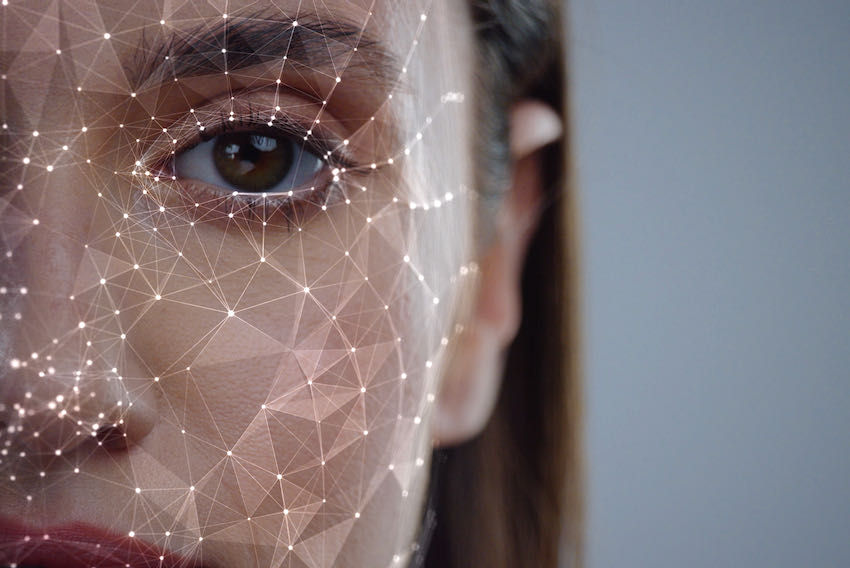
Your current passport photo may soon be incompatible with new international security standards. Starting January 1, 2026, the ISO/IEC 39794–5 standard for facial encoding takes effect globally. This update represents the third generation of biometric facial recognition protocols, requiring travel documents to meet stricter data and image quality thresholds.
The shift to the new facial encoding standard changes how facial features are digitized and stored in the machine-readable zone of your passport. If your existing photo does not align with these new encoding parameters, automated border gates may fail to recognize you, leading to delays or the requirement for manual processing.
To avoid disruption, you should proactively update your passport photo before the deadline. This is especially critical if your current passport is nearing expiration or if you plan to travel internationally in 2026. Contact your national passport authority to schedule a new photo session that explicitly meets the 2026 requirements.
If your passport expires after January 1, 2026, you must renew it to get a compliant photo. Even if the document is valid, the underlying biometric data may not meet the new standard.
Visit your local passport agency or authorized photo provider. Request a photo that specifically complies with the 2026 facial encoding standards for biometric travel.
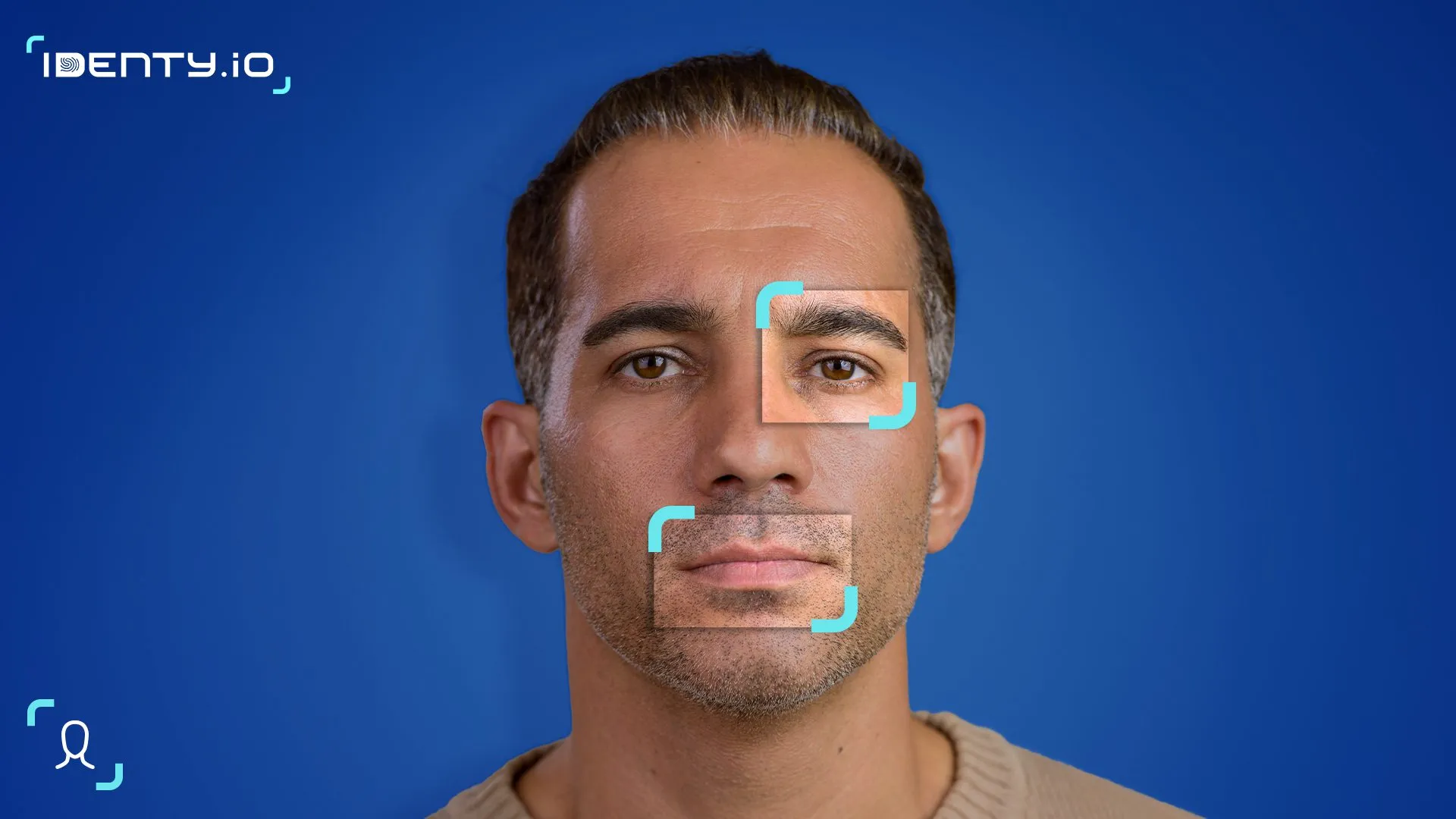
Ensure the new photo meets all lighting, resolution, and facial expression criteria outlined by your national authority. Non-compliant photos will be rejected, delaying your application.
Complete US biometric entry and exit steps
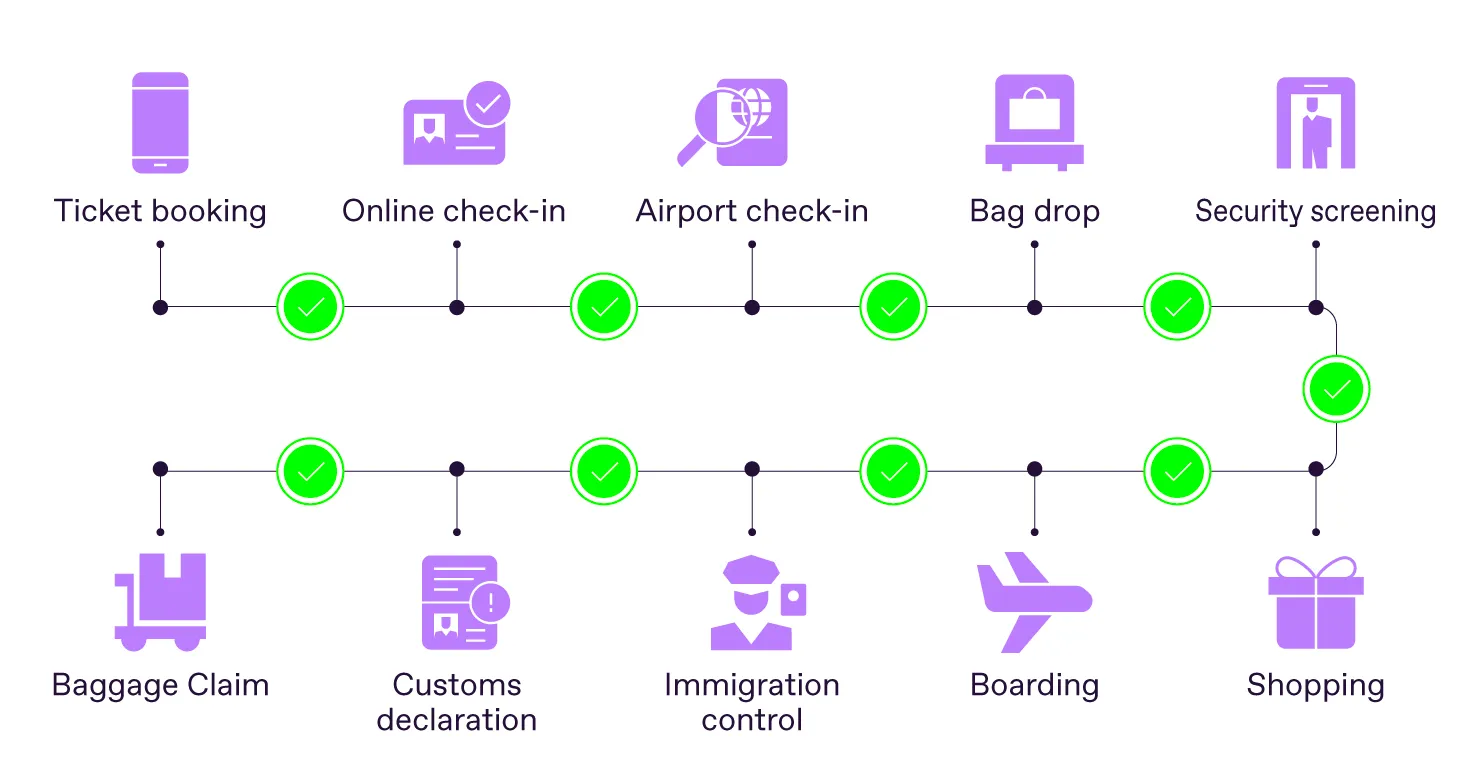
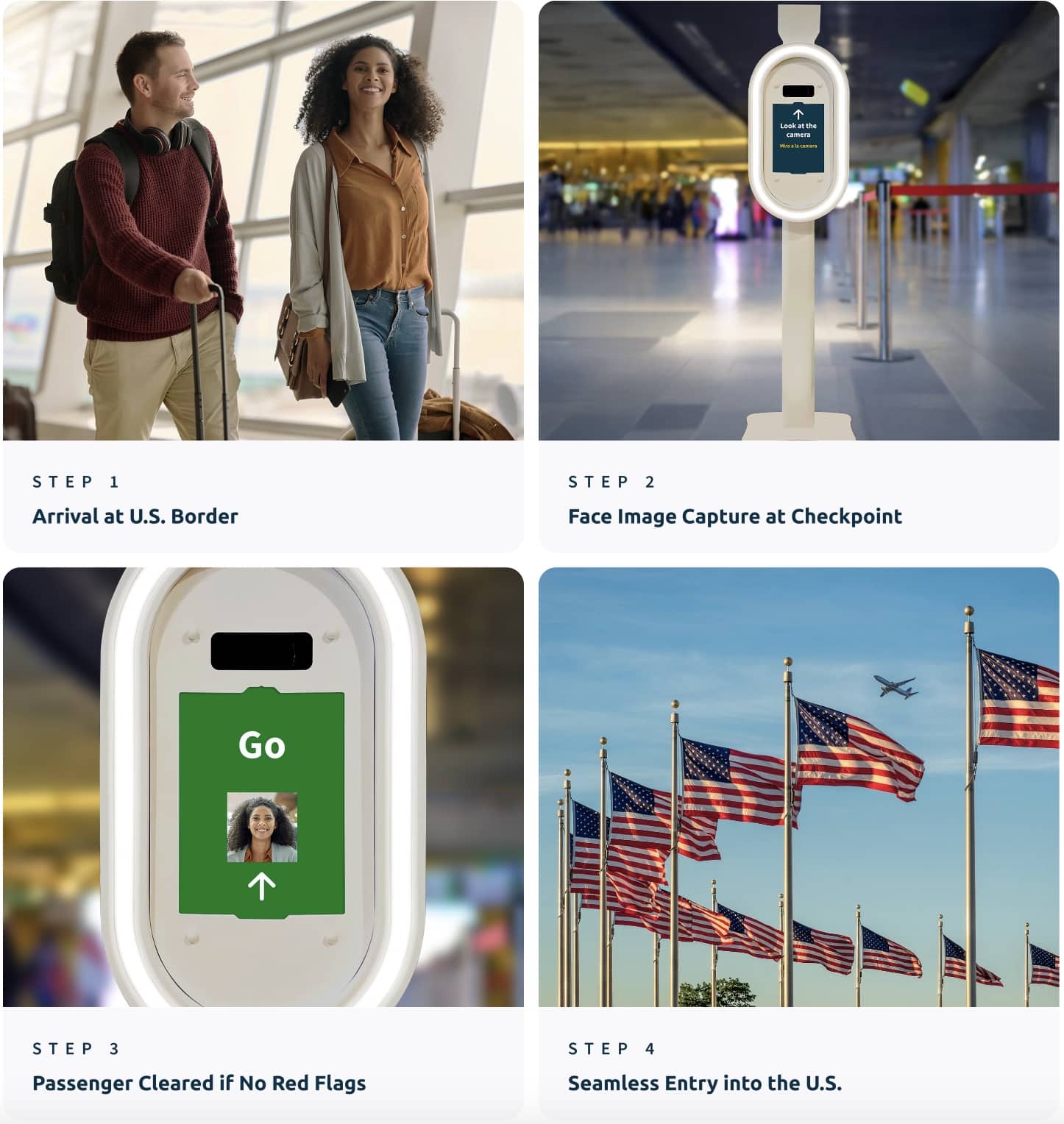
The Department of Homeland Security’s final rule requires most foreign nationals to provide facial biometrics when entering or leaving the United States. For US travelers, the process is largely automated but requires specific preparation to avoid delays. Follow this sequence to ensure your entry and exit runs smoothly.
Before you book travel, verify that your Electronic System for Travel Authorization (ESTA) is valid. The biometric data collected upon entry is linked to your existing travel record. If your ESTA has expired or been revoked, you cannot proceed to the gate. Ensure your passport is machine-readable and has at least six months of validity remaining to prevent system rejections.

Biometric verification adds a step to the check-in and customs process. Airlines and Customs and Border Protection (CBP) officers may experience higher volumes during peak hours. Arriving 30 to 60 minutes earlier than usual accounts for potential system glitches or manual processing requests if the automated kiosks are offline.

At the gate or primary inspection, you will be asked to look directly into the camera lens. Keep your face uncovered and avoid wearing hats or sunglasses that obscure facial features. The system captures a 3D facial scan to match against your passport photo and prior travel records. This process typically takes less than 10 seconds per person.
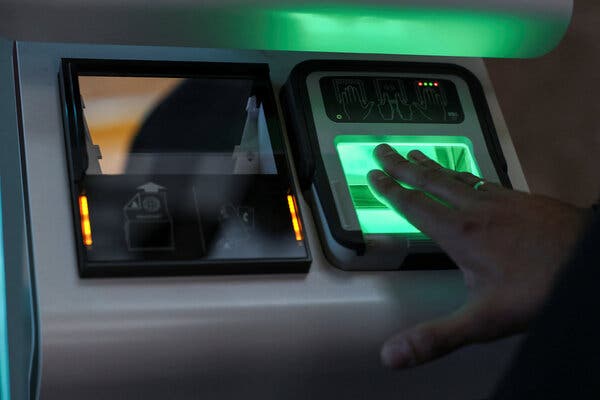
If the scan fails due to lighting or facial changes, remain calm and follow the officer’s instructions. US citizens who prefer to opt out of facial biometrics may simply notify a CBP officer or airline representative and undergo alternative verification methods, as outlined in the DHS final rule. Manual processing takes longer, so inform staff immediately to minimize disruption.
Secure required digital travel authorizations
Your passport is no longer enough to cross many borders in 2026. Governments are layering digital travel authorizations on top of physical documents to manage the new wave of biometric checks. If you arrive without the correct digital clearance, you risk being denied boarding or turned away at the border.
Start by checking if your destination requires an Electronic Travel Authorization (ETA) or a digital visa. The European Union is rolling out the Entry/Exit System (EES), which records biometric data for non-EU travelers. This system works alongside digital entry requirements that many countries now mandate before you even board your flight. The UK, for example, requires an ETA for many visa-free visitors, while other nations have introduced digital arrival cards or pre-travel screening forms.
Apply for these authorizations well in advance. Approval can take anywhere from a few minutes to several days, depending on the country and the volume of applications. Do not wait until you are at the airport. Many airlines will check your digital authorization status before issuing a boarding pass, and missing this step can disrupt your entire trip. Keep a digital copy of your approval on your phone, but also print a backup copy just in case.
Focus on the primary keyword phrase: digital travel authorizations. These are not optional extras; they are the digital key that unlocks the physical biometric gates. Treat them with the same urgency as your passport renewal.
Handle manual processing requests
You have the right to decline facial biometric scanning, but the process is not instantaneous. U.S. citizens who prefer to opt out must notify a Customs and Border Protection (CBP) officer or airline representative immediately upon reaching the checkpoint. This request triggers a manual processing workflow, which replaces the automated scan with traditional identity verification steps.
Expect significant delays. Airlines and border agencies warn that refusing scans can slow cross-border traffic, particularly if machines malfunction or if multiple travelers request manual processing simultaneously. The manual alternative involves additional document checks and potentially secondary screening, turning a few seconds of automated verification into a multi-minute interaction.
To minimize friction, state your request clearly and calmly. Have your passport and any required visas ready for immediate inspection. While the opt-out process is protected, it is subject to the discretion of the officer on duty and the operational capacity of the port. For the most current procedures, refer to the DHS Final Rule on Biometric Entry/Exit.
Verify compliance before departure
Before you head to the airport, treat your travel documents like a security perimeter. In 2026, biometric travel relies on digital pre-clearance, not just physical presence. A mismatched name or an expired electronic authorization will stop you at the gate, regardless of your passport's validity.
Start by confirming your biometric passport is machine-readable and valid for at least six months beyond your entry date. Next, verify that any required Electronic Travel Authorization (ETA) or visa is approved and linked to your passport number. Systems like the EU's Entry/Exit System (EES) or the UK's ETA require exact data matching; a typo in your name renders the digital link useless.
Finally, notify your airline of any biometric consent preferences if required by the destination. Keep screenshots of your approvals offline. These systems can face temporary outages, and having proof of compliance prevents delays.
Common questions about 2026 biometric rules
Travelers often ask how the new biometric entry and exit requirements affect their plans. Here are the answers to the most frequent questions regarding opt-outs, photo standards, and processing times.
Can I opt out of facial scanning?
U.S. citizens who prefer not to participate in the automated facial biometrics process may simply notify a CBP officer or airline representative. Instead of using the automated gate, you will undergo a manual verification process. This ensures that opting out does not prevent you from traveling, though it may require additional time at the checkpoint.
What is the new passport photo standard?
Starting January 1st, 2026, travel documents must comply with the ISO/IEC 39794–5 standard. This is the third generation of facial encoding, requiring higher resolution and stricter lighting conditions than previous versions. If your current passport photo does not meet this standard, you may need to update your document before traveling to avoid processing delays.
How long does biometric processing take?
While automated gates significantly speed up entry and exit, manual checks for those opting out or encountering system errors can add time. CBP recommends arriving at the airport earlier than usual to account for potential verification steps. Processing times vary by location and volume, so checking the latest CBP guidelines before departure is advisable.
No comments yet. Be the first to share your thoughts!